

Tiny Fishing: Play Free Online, No Download Needed
Ever wanted five minutes of calm without opening an app store? Tiny Fishing gives you exactly that. Cast a line, watch it sink and pull up something new every single time. No install screens. No sign up forms. No waiting.
This free browser fishing game runs the second you click play. You fish, you earn coins, you upgrade. That loop is simple on the surface. But research shows the players who actually catch legendary fish know a few tricks the casual crowd misses. This guide covers all of them.
What Is Tiny Fishing?
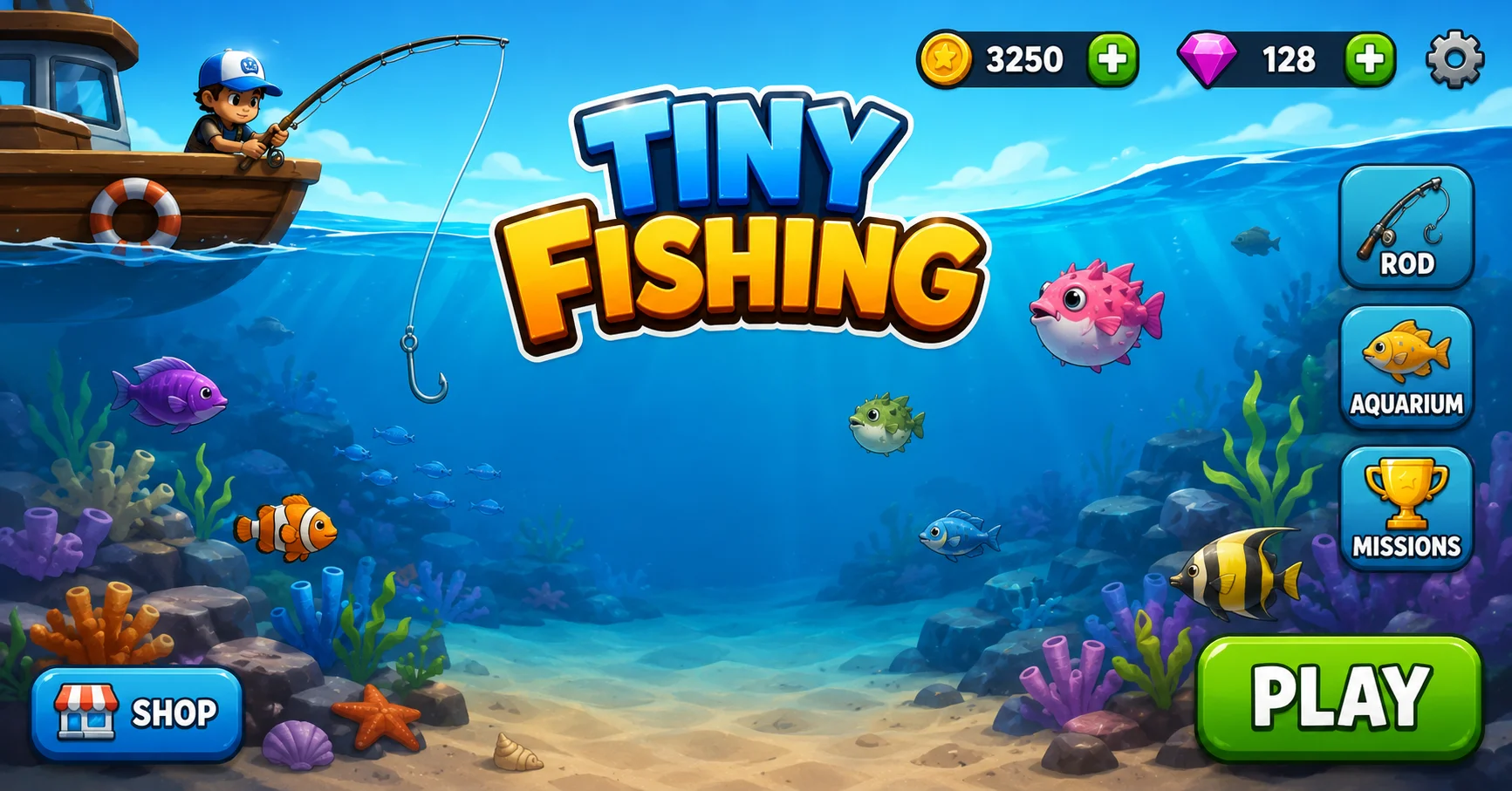
Tiny Fishing is a casual idle fishing game built entirely in HTML5. That means it runs in any modern browser, on any device, with zero plugins required. You control a hook. You drop it into the sea.
You guide it past fish on the way down and the way up, collecting everything you touch. Then you sell your catch and spend the coins on better gear. It sounds small. It plays big. The deeper you go, the stranger and rarer the fish become and that pull keeps players coming back for one more cast.
How to Play Tiny Fishing
Controls are built for speed not complexity. A new player can understand the whole game in under thirty seconds.
- Click or tap to cast your line into the water.
- Drag your mouse or finger left and right to sweep the hook through the fish.
- Release or wait for the hook to auto return collecting fish on the way up.
- Sell your catch automatically for coins after each trip.
- Spend coins on rod, line and depth upgrades between casts.
- Touch controls work just as well as a mouse so mobile players get the identical experience desktop players do.
- Drop HookPress Space, Click, or tap the screen to drop your hook into the water.
- Reel InRelease the key or tap again to pull the hook back up toward the surface.
- Catch FishAny fish your hook touches on the way down or up gets caught automatically.
- Sell FishClick the Sell button after every cast to convert caught fish into coins.
- Upgrade GearUse the shop panel to spend coins on better rods, lines and depth.
- Mobile/TouchTap anywhere on the screen to drop and release to reel in.
Depth and Timing Matter More Than You Think
Most players just click and drag without thinking about pacing. That is a mistake. Experts recommend slowing down as your hook nears deeper water, since rushed casts snap under heavy catches and cost you fish.
Rare species only appear once your line reaches a certain depth. Skim the surface and you will only ever catch common fish worth a few coins each.
Play Free Online: No Download, No Signup
This is where Tiny Fishing separates itself from app store fishing games. There is no APK, no install and no account wall blocking your first cast. You open the page and the game loads directly in your browser.
Progress typically saves locally on your device so returning players usually pick up close to where they left off. That said, clearing your browser cache or switching devices can reset local progress so don't rely on it as permanent storage if you're chasing a long term leaderboard run.
Because it's browser based Tiny Fishing also works great as an unblocked option at school or work where app installs are usually restricted but a browser tab isn't.
Upgrade Strategy: What Actually Gives You the Best Return
This is the gap most guides never fill. Everyone says upgrade depth first but nobody explains why with real numbers. We're fixing that. Early on, your coin income is tiny, so every upgrade choice matters. Depth upgrades unlock entirely new fish tiers, which is why they usually deliver the biggest jump in earnings per cast.
A single depth upgrade can double or triple your average catch value overnight. Hook capacity comes second. More fish per cast means more coins per trip, and that compounds every other upgrade you already own. Think of it as a multiplier sitting on top of your depth gains.
Offline earnings matter last but they matter more than players assume. This upgrade pays you coins even while your browser tab is closed starting at a small rate and scaling as you invest in it. Stack a few levels of this and you'll open the game to a healthy coin bonus every time you return.
A Simple Upgrade Order That Works
If you're unsure where to spend your first ten upgrades, follow this order depth, then hook capacity, then offline earnings, then repeat the cycle. This rotation keeps your income growing on every front instead of maxing one stat while the others fall behind.
Fish Rarity: What You're Actually Catching
Not all fish are created equal and knowing the tiers changes how you play. Common fish appear near the surface and sell for a handful of coins each. They're your bread and butter early on, but they stop mattering once you unlock deeper water. Uncommon and rare fish start appearing as your depth upgrades kick in.
These are worth noticeably more and spotting their shape or color on the way down helps you time your hook sweep for maximum value. Legendary fish, including golden variants, spawn rarely and randomly. They're worth far more than anything else in the water.
Research shows patient players who let their hook sit slightly longer near max depth land these far more often than players who rush every cast.
Common Problems and How to Fix Them
Even a lightweight browser game runs into hiccups sometimes. Here's how to handle the most common ones without losing your progress. If Tiny Fishing won't load or freezes on a loading screen, a simple refresh usually clears it. Press Ctrl+R or Cmd+R on Mac and give the page a few seconds to rebuild.
If the game sticks on a gray or black screen, that's usually a caching issue. A hard refresh using Ctrl+Shift+R forces your browser to pull fresh files instead of stale ones.
If your progress didn't save between sessions, check whether you're using the same browser and device as before. Local save data doesn't transfer across browsers, incognito windows or devices so jumping between them can look like lost progress when it's really just stored somewhere else.
Tiny Fishing vs Tiny Fishing 2: What's the Difference?
Several sites mention Tiny Fishing 2 without ever explaining it so let's clear that up. Tiny Fishing 2 typically builds on the original with new fish species, extra depth tiers and refreshed visuals, while keeping the same cast and reel core loop intact.
If you've mastered the original and want fresh content without learning new controls, Tiny Fishing 2 is the natural next step. The skills you built, timing, patience and upgrade priority, carry over directly.
Conclusion
Tiny Fishing earns its addictive reputation honestly. The controls are simple enough for anyone to pick up in seconds, yet the upgrade system rewards real strategy. Depth first, hook capacity second, offline earnings third, that rotation alone will outpace most casual players.
Add patience near max depth and you'll start landing legendary catches sooner than you'd expect. No downloads, no accounts, no barriers, just cast your line and see what's waiting below.
Frequently Asked Questions
Is Tiny Fishing really free?
Yes. There's no purchase requirement, no premium tier blocking content and no forced account creation to start playing.
Do I need to download anything?
No. Tiny Fishing runs entirely in your browser using HTML5 so there's nothing to install on PC, mobile or tablet.
Does it work on mobile devices?
Yes. Touch controls are built in and the game window resizes automatically to fit phone and tablet screens.
Can I play Tiny Fishing unblocked at school?
Since it's browser based with no install required it typically runs fine on school or office networks that block app downloads but allow web browsing.
Will I lose my progress if I close the tab?
Usually not since progress saves locally to your browser. Switching browsers or devices, however, can reset that saved data.