




Tanuki Sunset: Play Online Free, No Download
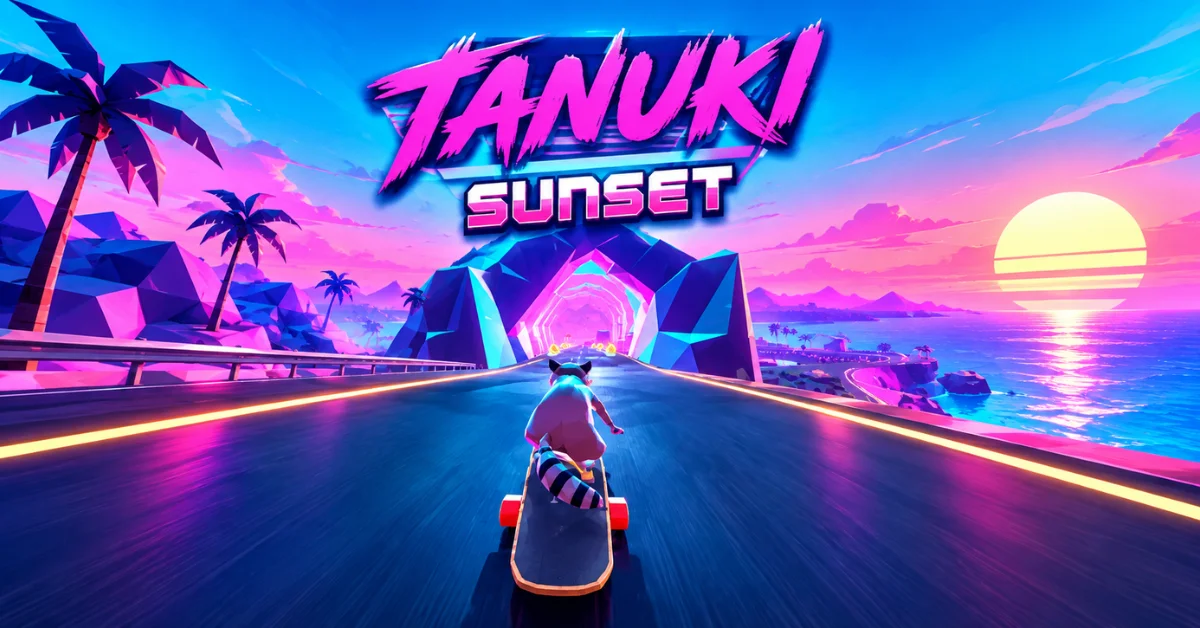
Play Tanuki Sunset online with no download, no sign up and no ads. Jump onto your longboard, ride through Sunset Island, drift around sharp corners, avoid traffic, collect Tanuki Bits and build your score.
Tanuki Sunset is an arcade longboarding game where you play as Tanuki, a raccoon chasing the dream of appearing on the cover of FISH magazine. The gameplay mixes downhill riding, drifting, tricks, collectibles and near miss challenges with a colorful retro style and chill music.
Quick Info
Play Tanuki Sunset Online
Start the game above and play directly in your browser. No download, no sign up and no ads means you can get into the action without dealing with unnecessary interruptions. The browser experience is based on Tanuki Sunset Classic, the original prototype released by Rewind Games. The developer later expanded the concept into the full Tanuki Sunset game.
If you enjoy downhill score chasing like this, the rest of the racing games on the site follow a similar idea, and arcade games covers the lighter pick up and play end of the same shelf.
How to Play Tanuki Sunset
Your main goal is simple: stay on the road, ride as far as you can and earn a higher score. Steer Tanuki downhill while watching the road ahead for corners, vehicles, obstacles and edges. Drifting helps you handle tight turns, while jumps, near misses and other moves can increase your score.
Tanuki Bits are also scattered throughout runs. Collecting them fills the Bonus Roulette Meter, giving you another reason to take a slightly different line instead of simply staying in the safest part of the road.
A simple way to approach your first run
- Learn steering first. Don't worry about high scores immediately.
- Start drifting before sharp corners. Waiting until you're already turning hard can make the corner much harder to control.
- Watch the road, not just the collectibles. A Tanuki Bit isn't worth crashing for when you're still learning.
- Use straight sections to build confidence and speed.
- Add risky moves gradually. Near misses and tight squeezes can improve your score, but they also leave less room for mistakes.
Tanuki Sunset Controls
The browser version supports keyboard controls and the original Classic release also supports gamepads and Xbox controller input.
Drift is the control you'll use most when learning how to handle corners. Speed Stance is useful when you want to maintain speed, while the 180 Slide gives you another way to control Tanuki and perform a more advanced move.
How to Get a Higher Score?
Tanuki Sunset rewards more than simply staying alive. The Classic version specifically encourages drifting, airtime, near misses and tight squeezes around walls and edges. A good progression is:
Safe riding → controlled drifting → collectibles → airtime and tricks → near misses.
Don't try to perform every risky move at once. A long run with consistent control is more useful for learning than repeatedly crashing while chasing a few extra points.
Use near misses carefully
Getting close to cars, walls and other hazards can increase your score, but the smaller your margin for error becomes, the more important your positioning is. If you're still learning the controls, focus on clean turns first. Once you can predict where Tanuki will move, start experimenting with tighter passes.
Tanuki Bits and Bonus Roulette
Tanuki Bits are collectible items found during a run. In the Classic browser game, collecting them fills the Bonus Roulette Meter. That makes them more than simple decorations. They give you a reason to change your route and take calculated risks.
The full game also uses Tanuki Bits as part of its progression and gear system, including upgrades at Bob's Skate Shop.
More Than Just Downhill Riding
Tanuki Sunset gradually gives you more things to react to than a basic endless downhill game. Depending on the experience, you can encounter mechanics such as phone calls, special objectives, Kit the baby raccoon and other unusual events during a run. Rewind Games added these mechanics during the development of Tanuki Sunset Classic.
The full game expands the ride beyond the original prototype with areas including mountain roads, city streets and beaches around Sunset Island.
Common Tanuki Sunset Mistakes
If you wait until the middle of a sharp corner to drift, you may already have too much momentum to make the turn comfortably. Start learning the timing before the corner rather than reacting at the last second.
Chasing every collectible
Tanuki Bits are useful, but grabbing one from a dangerous position can turn a good run into a crash. Learn the safest route first and take bigger risks once you're comfortable.
Focusing only on speed
Going faster doesn't automatically mean scoring better. Tanuki Sunset is also about positioning, drifting, tricks and controlled near misses.
Taking every near miss
Near misses can help your score, but forcing them repeatedly is unnecessary when you're still learning. Build consistency first.
Tanuki Sunset Classic vs. the Full Game
One detail that can cause confusion is the name. Tanuki Sunset Classic is the original browser prototype from Rewind Games. It is an HTML5 game designed around downhill longboarding, procedural roads, drifting, scoring and collectibles.
The developer later created the complete Tanuki Sunset for Steam. The full game expands the experience with additional environments, progression, customization and more content. So when you play the browser version, don't assume it contains everything from the commercial release.
Conclusion
Tanuki Sunset works because the basic idea stays simple: ride, drift, avoid trouble, collect what you can and keep the run going. The controls are easy to understand, but getting good at sharp turns, scoring opportunities and risky near misses takes practice.
If you're new to the game, learn clean steering and drifting first, then gradually add tricks and higher risk moves. Ready to ride? Start Tanuki Sunset online above and see how far you can make it down Sunset Island.
Frequently Asked Questions
Is Tanuki Sunset Free to Play Online?
The browser version can be played online without downloading the game. The original Tanuki Sunset Classic was released as an HTML5 browser game by Rewind Games. The expanded Tanuki Sunset is a separate commercial release on Steam so the two experiences should not be treated as the same product.
Can You Play Tanuki Sunset Without Downloading?
Yes. The Classic browser version was built for HTML5 and can be played through a compatible web browser. On this page you can start the browser game directly instead of installing a separate PC copy.
Can You Play Tanuki Sunset With a Controller?
Yes. The original Tanuki Sunset Classic supports Xbox controller input as well as keyboard controls and gamepads. If keyboard steering feels uncomfortable a supported controller can give you more direct analog movement.
Is Tanuki Sunset Multiplayer?
Tanuki Sunset is primarily a single player game. The full Steam release is officially listed with single player support. The focus is on improving your own runs, mastering the longboard, collecting items, completing objectives and chasing better scores.
Is Tanuki Sunset Available on Mobile?
The original browser release officially documents keyboard and gamepad controls, rather than touch controls. For that reason, desktop browser play is the safer choice when you want the intended keyboard controlled experience. Mobile compatibility can depend on the specific browser build and input support.