
More like this





X Trial Racing: How to Play, Controls, Levels and Tips to Stop Crashing
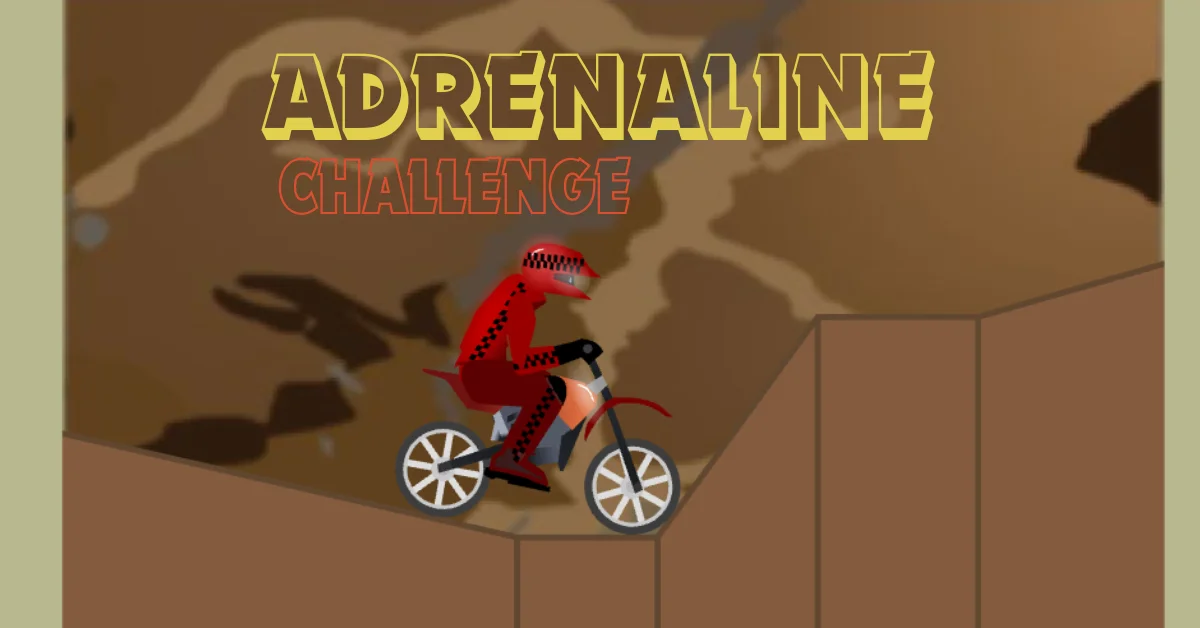
X Trial Racing is a free browser motorbike game where you ride across hilly, obstacle filled tracks and try to reach the finish line without wrecking your bike. It's a physics based stunt racer. Your speed, lean angle and landing position all matter more than just holding down the accelerator.
The game runs on any device with a browser, needs no download or account and takes about ten seconds to start playing. Below is everything you need to actually get good at it, including the one thing most players get wrong on their very first crash.
X Trial Racing vs. X Trial Racing: Mountain Adventure

There are two separate games under this name and mixing them up is the most common source of confusion when people search for this title.
| X Trial Racing (original) | X Trial Racing: Mountain Adventure (sequel) | |
|---|---|---|
| Stages | 30 | 45 |
| Setting | Stunt courses, ramps, gaps | Forested hills, mountain terrain |
| Difficulty | Easier, better starting point | Harder, picks up where the original leaves off |
| Best for | First time players | Players who've cleared the original |
If you're new to the series, start with the original. The physics and controls are identical but the early stages are more forgiving while you learn how the bike handles.
Controls: Keyboard and Touch
On desktop the game uses the arrow keys:
- Up arrow accelerate
- Down arrow brake / reverse
- Left arrow rotate the bike counter clockwise (nose down) in the air
- Right arrow rotate the bike clockwise (nose up) in the air
On mobile or tablet the same four actions appear as on screen touch buttons in the same layout so nothing changes conceptually you're just tapping instead of pressing keys. The left/right controls only matter while you're airborne. On the ground they do nothing all your in air rotation is what determines whether you land safely or flip over.
How the Level and Star System Works?
Each stage has a finish line and a timer. Finishing at all clears the level but finishing fast enough earns you up to three stars per stage and stars are usually what unlocks new bikes or the next set of levels. Because star thresholds vary by stage and platform (they're not the same across every site hosting the game), treat any specific beat it in X seconds number you see elsewhere as a rough guide rather than a guarantee.
The in game level complete screen after each attempt is the only fully reliable source for your actual target time. Practically, three starring a level comes down to two things minimizing time spent airborne (since you can't accelerate mid air) and taking the straightest possible line through gaps instead of over jumping them.
How to Stop Crashing: Balance and Landing Technique
This is where almost every new player loses time and it's rarely about going too fast. You crash when your bike lands at the wrong angle nose first or tail first instead of roughly flat on both wheels. The fix isn't slowing down it's actively rotating the bike in the air to match the angle of the surface you're about to land on. A few things that consistently help:
- Start rotating before you land, not on impact. If you wait until you're about to touch down, you won't have time to correct the angle.
- Small taps beat holding the key. Holding left or right rotates you further than most landings need short taps give you finer control.
- Watch the upcoming terrain, not your bike. Look at the slope you're about to land on and match your bike's angle to it before you get there.
- Ease off the accelerator on descents. Braking slightly on the way down gives you more control over rotation than full throttle does.
None of this is a guarantee against every crash; some later stages are built specifically to punish small timing errors and that's part of the challenge. But most early and mid game crashes come down to landing angle, not speed.
Fixing Common Loading and Lag Issues
Because the game is hosted on many different sites, your experience can vary depending on where you play it. If the game won't load, is stuttering or the controls feel delayed, a few things usually fix it:
- Refresh the page, the most common fix for a stuck loading screen.
- Close other browser tabs, especially ones playing video or audio, since HTML5 games compete for the same resources.
- Try a different browser if one consistently fails to load it Chrome and Firefox tend to handle HTML5 games most reliably.
- Check your internet connection if levels take unusually long to load between attempts.
- Update your browser if it hasn't been updated recently older browser versions sometimes struggle with newer HTML5 game engines.
Lag during gameplay (rather than at loading) is usually a device performance issue rather than a connection issue, since the game runs entirely client side once loaded.
Playing X Trial Racing Unblocked at School or Work
Unblocked versions are the same game hosted on alternate domains that aren't typically filtered by school or workplace network restrictions. The gameplay itself doesn't differ; it's the same HTML5 game, just embedded on a different site. If you're looking for an unblocked copy, a couple of practical notes:
- Stick to sites that clearly show the game embedded and playable immediately, rather than ones asking you to download anything a legitimate browser game never requires a download.
- Network restrictions exist for a reason at most schools and workplaces, so it's worth being mindful of your institution's specific policy before working around it.
Similar Games to Try Next
If you enjoy the balance and timing style of X Trial Racing, a few other browser games use similar mechanics:
- Drive Mad physics based obstacle driving with a similar trial and error structure
- Awesome Tank different vehicle, same emphasis on precise control over raw speed
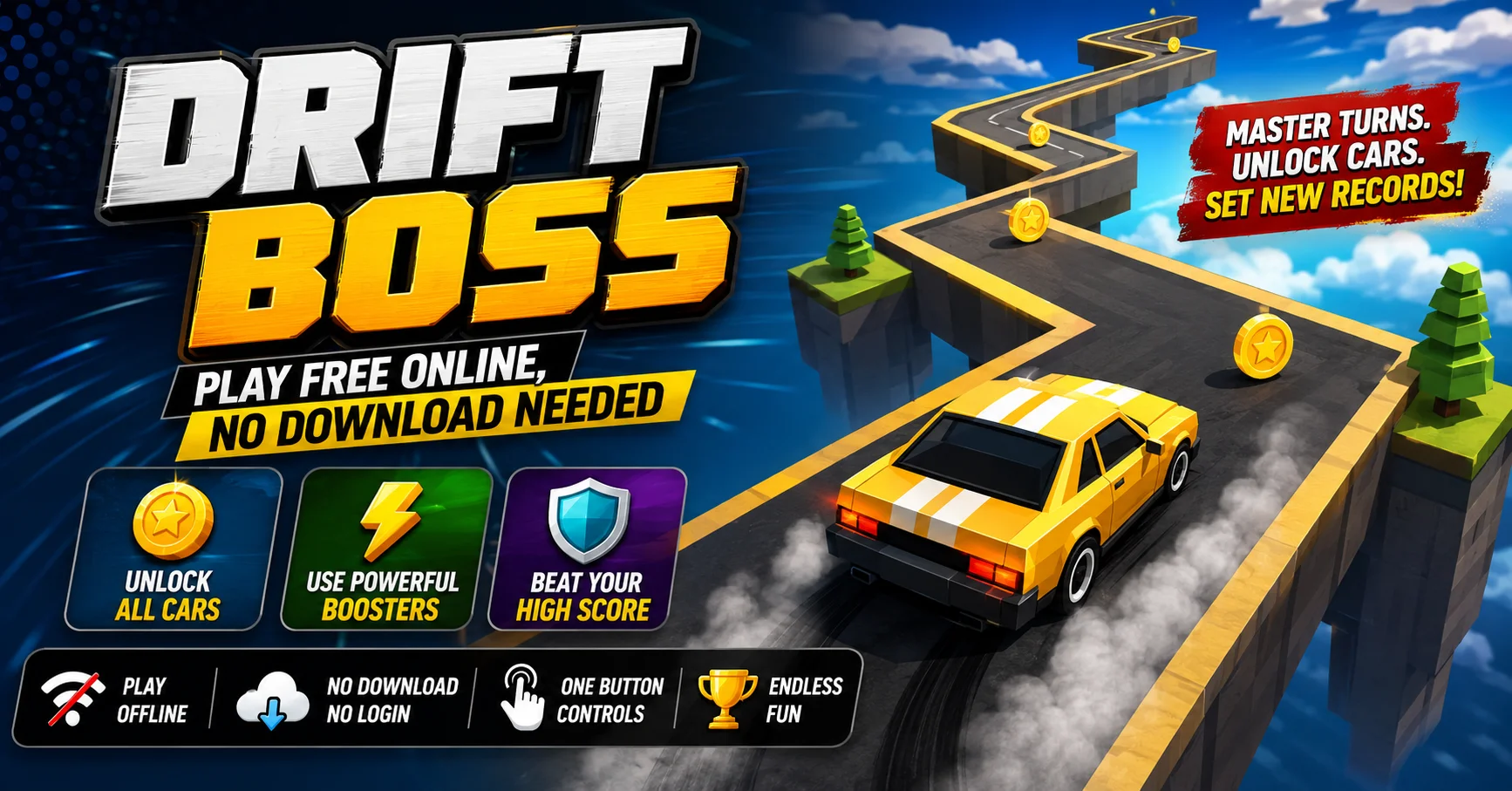
- Drift Boss a simpler timing based driving game if you want something more casual
Conclusion
X Trial Racing rewards precision over speed once you stop treating it like a straightforward racer and start actively controlling your landing angle in the air, most of the frustration disappears. Start with the original 30 stage game to build that habit before moving on to Mountain Adventure's tougher terrain.
FAQ
Is X Trial Racing free to play?
Yes. It's a browser based HTML5 game that doesn't require a download, account or payment to play.
How many levels does X Trial Racing have?
The original game has 30 stages. The sequel, X Trial Racing Mountain Adventure, has 45 levels and is generally harder.
Can I play X Trial Racing on my phone?
Yes. It runs on mobile browsers using on screen touch controls that mirror the desktop arrow key layout.
Why do I keep crashing even at low speed?
Crashes are almost always caused by landing at the wrong angle rather than going too fast. Focus on rotating your bike in the air to match the upcoming terrain before you land.
Does X Trial Racing save my progress?
This depends on the specific site hosting the game, since progress saving is usually tied to that site's own system rather than the game itself. If you want to keep your progress, play consistently on the same site rather than switching between hosts.