

Creative Kill Chamber: Play Online & Full Game Guide
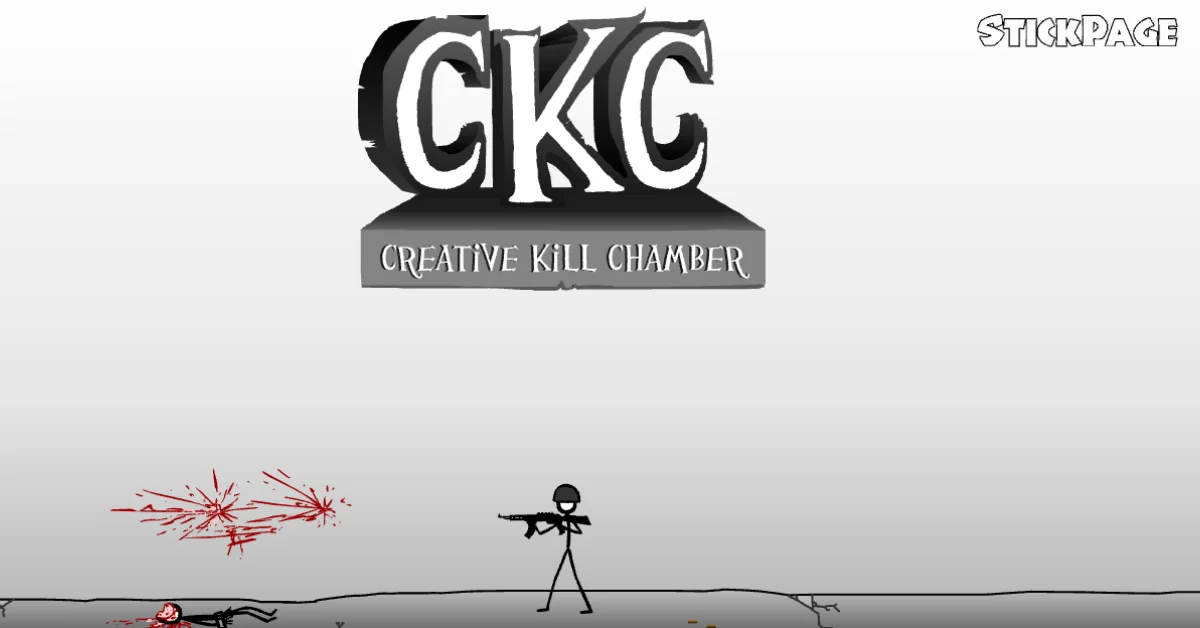
Creative Kill Chamber is a point and click stickman adventure built around quick decisions, environmental interaction and escaping a guarded facility. Instead of moving with traditional keyboard controls, you use the mouse to select objects, characters, weapons and locations that can help you move forward. The original game was released in 2010 by ESProductions.
If you are looking for Creative Kill Chamber online the main thing to understand is that each section works like a small interactive puzzle. You need to notice what is available on the screen, choose the useful interaction and react quickly when a situation requires precise timing.
How to Play Creative Kill Chamber?
The game uses mouse based interaction rather than traditional character movement. Click different parts of the scene to make your character interact with objects, enemies, doors and other useful elements. The challenge comes from figuring out which action should happen next.
Some situations require you to grab an item, while others depend on choosing a weapon or reacting at the right moment. A failed action can end the attempt so it helps to look over the scene before clicking randomly.
Creative Kill Chamber Controls
| Action | Control |
|---|---|
| Interact | Left mouse button |
| Select an object | Click the object |
| Select a character or enemy | Click the character |
| Trigger an action | Click the relevant area |
The original game is designed around mouse interaction and current game listings also identify the mouse as the primary control method.
Creative Kill Chamber Levels
Creative Kill Chamber contains 12 levels, with each section presenting a different situation to solve. The challenges gradually introduce new weapons, environmental objects, movement situations and timing based actions.
You will encounter equipment such as firearms, explosives, climbing tools, a jetpack and the Tech Bow during the progression. The exact solution changes from one level to another so learning one sequence does not automatically solve the next one.
What Changes as You Progress?
Early levels teach you how the game's clicking system works. Later sections ask you to react faster and make better use of the objects available in the environment. For example, one section requires you to catch a ledge while falling, while another involves shooting a target to open a route. Later stages introduce a jetpack and situations where timing your attack is important.
Tips for Beating Creative Kill Chamber
- Look at the whole scene first. Important objects are not always the most obvious part of the screen.
- Pay attention to timing. Some actions need to be triggered during a short window rather than whenever you want. Historical player comments specifically mention small click areas and timing sensitive interactions.
- Try to understand why an item is available. A weapon or object may be needed for the next action rather than the situation immediately in front of you.
- After a failed attempt, change the action. Repeating the same click sequence usually will not solve a timing or interaction problem.
Stuck on Level 3?
Level 3 is one of the sections players have historically asked for help with. The important part is reacting while the character is falling and using the available body and ledges to cross the hazardous area. If you are stuck there, watch for the interaction point during the fall rather than waiting until the character reaches the bottom.
Is Creative Kill Chamber Free to Play?
Yes. Current browser listings provide Creative Kill Chamber as a free online game. The exact way the game runs can depend on the website hosting the browser version, particularly because the original game comes from the Flash era.
Can You Play Creative Kill Chamber on a Phone?
Mobile support is not consistent across current versions. Some sites state that the game is intended for desktop, while other hosts advertise mobile browser access. For that reason, mobile compatibility should be judged by the specific version you are playing rather than assuming every Creative Kill Chamber browser build works on a phone.
Is Creative Kill Chamber Still Playable?
The original game was made during the Flash era so modern browsers cannot simply run the old Flash file in its original form. Some current game sites provide browser versions through newer playback technology, including Ruffle based delivery. This means availability can vary between websites. If one version does not load, that does not necessarily mean the game itself is unavailable elsewhere.
Conclusion
Creative Kill Chamber is built around a simple idea: look at the situation, identify the useful interaction and make the right move before the opportunity disappears. Its 12 levels introduce different objects, weapons, enemies and timing challenges while keeping the mouse based control system straightforward.
If you are playing online, start by checking the entire scene before clicking and pay particular attention to moments where an interaction appears only briefly.
Frequently Asked Questions
What type of game is Creative Kill Chamber?
Creative Kill Chamber is a point and click stickman action adventure with puzzle and escape elements. You interact with the environment and choose actions that allow you to progress through each section.
How many levels are in the Creative Kill Chamber?
The game has 12 levels. The original strategy guide documents progression from Level 1 through Level 12.
What are the controls for Creative Kill Chamber?
The primary control is the mouse. You click objects, characters, locations and other interactive areas to perform actions.
Is Creative Kill Chamber free?
Yes. Browser versions are offered as free to play games on several current hosting sites.
Why am I failing even when I click the right thing?
Some scenes depend on timing as well as selecting the correct interaction. Historical player feedback mentions small click zones and short timing windows so positioning the cursor correctly can matter.
Does Creative Kill Chamber work on phones?
It depends on the version and hosting platform. Some current listings report desktop only support, while others claim mobile browser compatibility. Check the specific version before relying on phone support.