
More like this
 Works on phone 2048
  Exclusive Works on phone ArrowGo 3D
  New Bloxorz
  Exclusive Works on phone Bubble Shooting 3D
  Works on phone Cool Math Games
  Works on phone Cut the Rope
  Exclusive Works on phone Hexa Puzzle 3D
  Works on phone Sliding Puzzle
  Exclusive Works on phone Spin Stack 3D
  Achievement Unlocked
  Breaking the Bank
  Works on phone Doctor Acorn 2
 Candy Crush Game Free Online, No Download Needed
Optional in app purchases
Refill every ~30 minutes
Your phone storage is full. You don't want to install one more app. That's usually the moment people give up on playing Candy Crush. But you don't have to give up anymore. Candy Crush can now be played free, right in your browser with zero downloads. No wasted storage. No extra data use.
This guide covers everything other articles skip: how to play free, what makes each level type different, the real truth about boosters and the details most players never learn.
What Is Candy Crush Game?
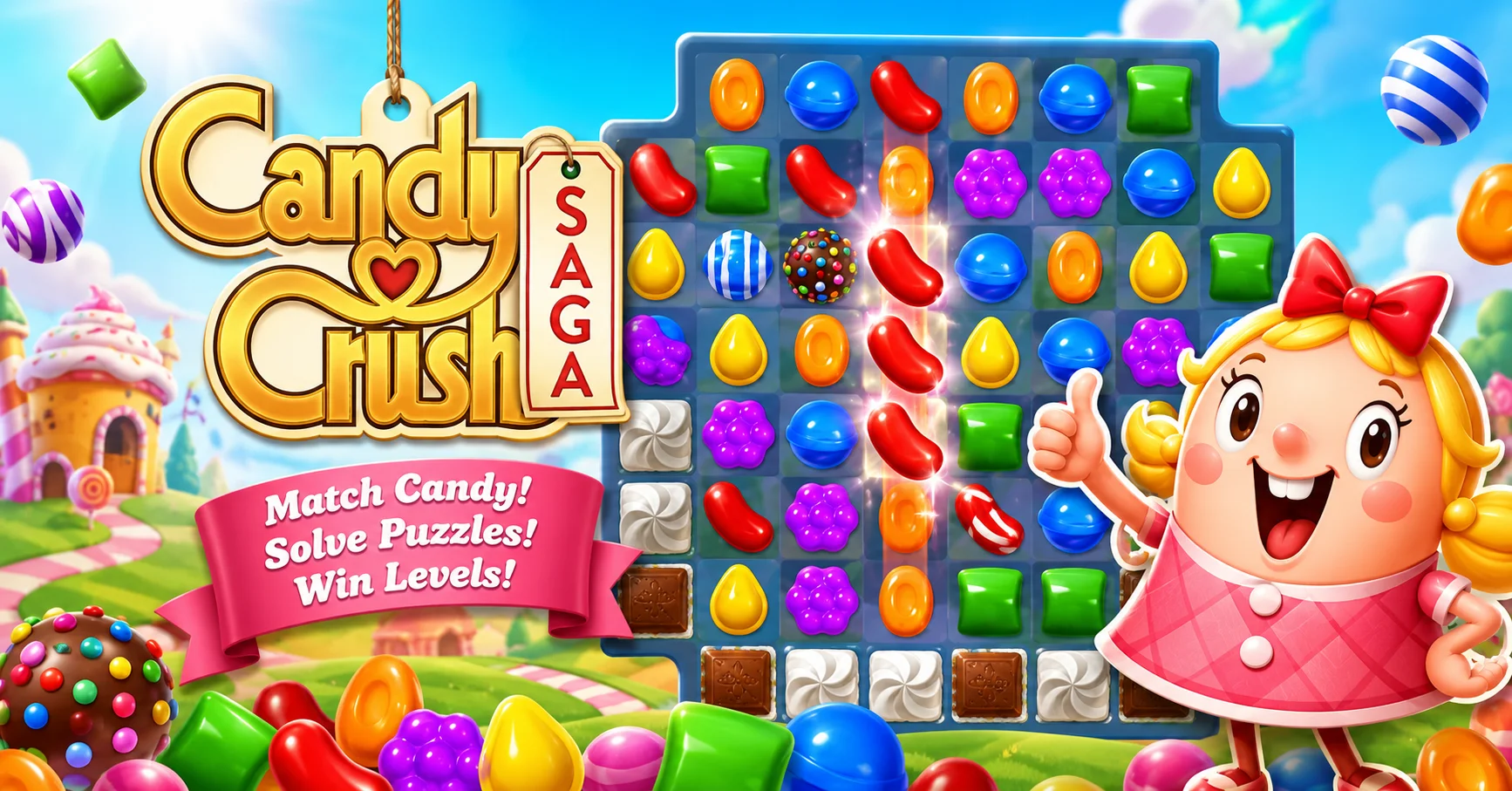
Candy Crush Saga is a match 3 puzzle game. It was created by King. The game first launched on Facebook back in 2012. The idea is simple. You match three or more candies of the same color. They vanish from the board and you earn points. Early levels feel easy. But the challenge grows fast as you climb higher. That rising difficulty is exactly what keeps players hooked.
How To Play Candy Crush Without Downloading
This is the question every new player asks first. The answer is simple: use your browser. King's official website lets you play the game directly online. No app install is required. Just an internet connection and you're in. Facebook also supports Candy Crush Saga in the browser.
Long time Facebook players still use this as their easiest way to jump back in. Google Play also offers Instant Play for some games. It opens the game instantly without installing anything on your device.
Benefits Of Browser Play
Playing without downloading comes with real advantages most people overlook.
- Your phone storage stays free
- No risk of app crashes damaging your device
- The same account works across PC and mobile
- Progress saves automatically once you log in
Game Controls: How To Play On Any Device
Candy Crush adjusts its controls based on your device. Learning them properly makes every level smoother.
Mouse And Touch Controls
On a browser or touchscreen, everything runs on simple taps and drags. Tap one candy, then drag it toward a neighboring candy to swap them. You can also just tap two candies next to each other instead of dragging. Both methods work the same way and trigger the same match.
Double tapping a special candy like a striped candy or color bomb activates it on the spot. This is handy when you want an instant blast without waiting for a swap.
Keyboard Shortcuts On PC
Keyboard support is limited since the game is built around clicking. Still, a few browser shortcuts help during long sessions.
- KeyboardEsc closes pop ups or pauses the current level.
- KeyboardF11 toggles full screen mode for a bigger board view.
- KeyboardTab shifts focus between menu buttons when using accessibility mode.
- KeyboardSpacebar confirms selections on some in game dialog boxes.
Controller And Cloud Gaming Support
On Xbox and other cloud gaming platforms, Candy Crush switches to controller input. The analog stick or D pad moves a selector box across the board. Pressing the main action button swaps the selected candy toward its neighbor. A second button usually confirms boosters or menu choices. This setup keeps the game playable even away from a touchscreen.
Basic Gameplay Rules
Every new player needs to understand the basics first. This game looks simple but it demands real strategy. The board is filled with colorful candies. You swap two candies to line up three or more matching colors in a row. Once a match happens, the candies disappear.
New candies drop down to fill the gaps. Sometimes this creates a fresh match on its own, known as a cascade. Every level has its own goal. Some need a target score. Others need specific ingredients dropped to the bottom.
Types Of Candy Crush Levels
This is the part most articles completely skip. Not every level plays the same way. There are four main types.
Jelly Levels
These levels cover the board in layers of jelly. You match candies directly on top of the jelly to clear it completely.
Ingredients Levels
Here you guide special items like cherries or nuts down to the bottom of the board. This gets tricky since you must control their path.
Order Levels
This type gives you a fixed shopping list, such as collecting 5 red candies and 3 blue candies. Nothing else matters until that list is done.
Timed Levels
This is the fastest level type. A countdown clock runs while you race to hit the target. Quick thinking matters more than anything else here.
The Real Truth About Boosters And Power Ups
Boosters make the game easier but understanding them matters. Each one works differently. Matching 4 candies creates a striped candy. It clears an entire row or column in one hit. Match 5 candies together and you get a color bomb, which wipes one color off the whole board.
Combine two striped candies and you clear a full row and column at once. This combo is a lifesaver on brutal levels. Extra boosters like the Lollipop Hammer, Jelly Fish and Bonbon Blitz can be bought with coins. These help most when a level has you stuck for good.
Why Levels Get Harder
Many players believe the game is designed to get harder on purpose, pushing you toward spending money. There's real truth in that idea. Each new level cuts down candy variety, adds more blockers and shrinks your move count. This is intentional design, not a bug. That said, no level is impossible. The right strategy paired with smart boosters can clear almost anything. Patience is the real key.
Candy Crush Coins And Lives System
This topic barely gets mentioned anywhere, yet it matters to every single player. The free version gives you 5 lives. Losing one life means waiting roughly 30 minutes for it to refill. Run out completely and you either wait it out or buy more with gold bars. This is exactly where real spending happens.
Gold bars unlock instant moves, boosters and lives. It's optional but the game offers it at exactly the right moment to tempt you. You can absolutely finish the game without spending a rupee or dollar. It just takes patience and a daily login habit.
The Different Candy Crush Games
King didn't stop at one game. There's an entire family and each one feels different to play. Candy Crush Saga is originally built around jelly and classic match 3 mechanics. Candy Crush Soda Saga adds soda bottles that float upward instead of falling, changing the whole rhythm of play.
Candy Crush Friends Saga brings in cute characters with special helper moves. Candy Crush Jelly Saga introduces the Jelly Queen and a fresh set of challenges. Candy Crush Solitaire recently launched too, blending TriPeaks Solitaire with classic Candy Crush elements. Solitaire fans finally have a new option worth trying.
How AI Is Shaping Candy Crush Levels
This is the newest, least discussed angle in the whole game. King now uses AI to help design fresh levels. Human designers used to build every level by hand, a slow process. Now AI models test levels, balance difficulty and catch bugs before players ever see them. This lets the game launch new levels faster every single week. It's a trend spreading fast across the gaming industry, not just at King.
Tips To Make Any Level Easier
A few small habits change everything. Clear candies at the bottom of the board first, then work upward. When your moves are running low and the target still feels far away, focus on building special candies instead of simple matches. One well-timed color bomb can save a losing level. Stuck on the same level over and over? Take a break. A fresh mind often clears the same level on the very next try.
Safety, Purchases And Parental Controls
Safety deserves attention too. The game includes in app purchases that are easy to tap by accident. Turning on parental controls in your phone settings stops anyone in your family from spending money without permission. Both Google Play and the App Store offer this option built in. Screen time also needs a limit. The game is built to be addictive, so setting a time boundary is genuinely better for wellbeing.
Performance And Data Usage
A few things matter when playing in a browser. Older or weaker phones may run slower, especially on levels packed with heavy animations. Wi Fi is the smarter choice since mobile data disappears fast during long sessions. Offline mode only supports limited features; the full game needs an internet connection. If you use the app version instead, clearing old cache files now and then frees up valuable storage.
Conclusion
Candy Crush isn't just an app anymore; it plays perfectly in a browser too. No download, no storage worries, just pure candy crushing fun. Every level has its own personality, every booster earns its keep and the right strategy turns even the hardest level winnable. The free version delivers a complete experience on its own, as long as you bring patience and a little daily commitment. Now you're holding information most other articles never bothered to share.
FAQs
Where can I play Candy Crush without downloading it?
You can play directly in your browser on King's official website or through Facebook, with no app install required.
Is Candy Crush free to play?
Yes, the game is completely free. Buying coins or boosters is always optional.
How long does it take for lives to refill in Candy Crush?
One life refills in about 30 minutes, while all 5 lives take roughly two to three hours to fully recharge.
Which Candy Crush level type is the hardest?
Timed levels are widely considered the toughest since they combine a strict countdown with a set target.
Is Candy Crush safe for kids to play?
Yes but parental controls should be turned on to prevent accidental in app purchases.